
Calculator website case study
A board foot calculator for LumberMeasure
Website design and development, calculator logic, SEO
The client asked us for a board foot calculator. We designed the site, built the calculator and did the SEO work.
We wanted a lightweight tool that was easy to use. There is clear text with the calculator, plus guides for people who want to understand the measurements and the maths.
Working with different board sizes
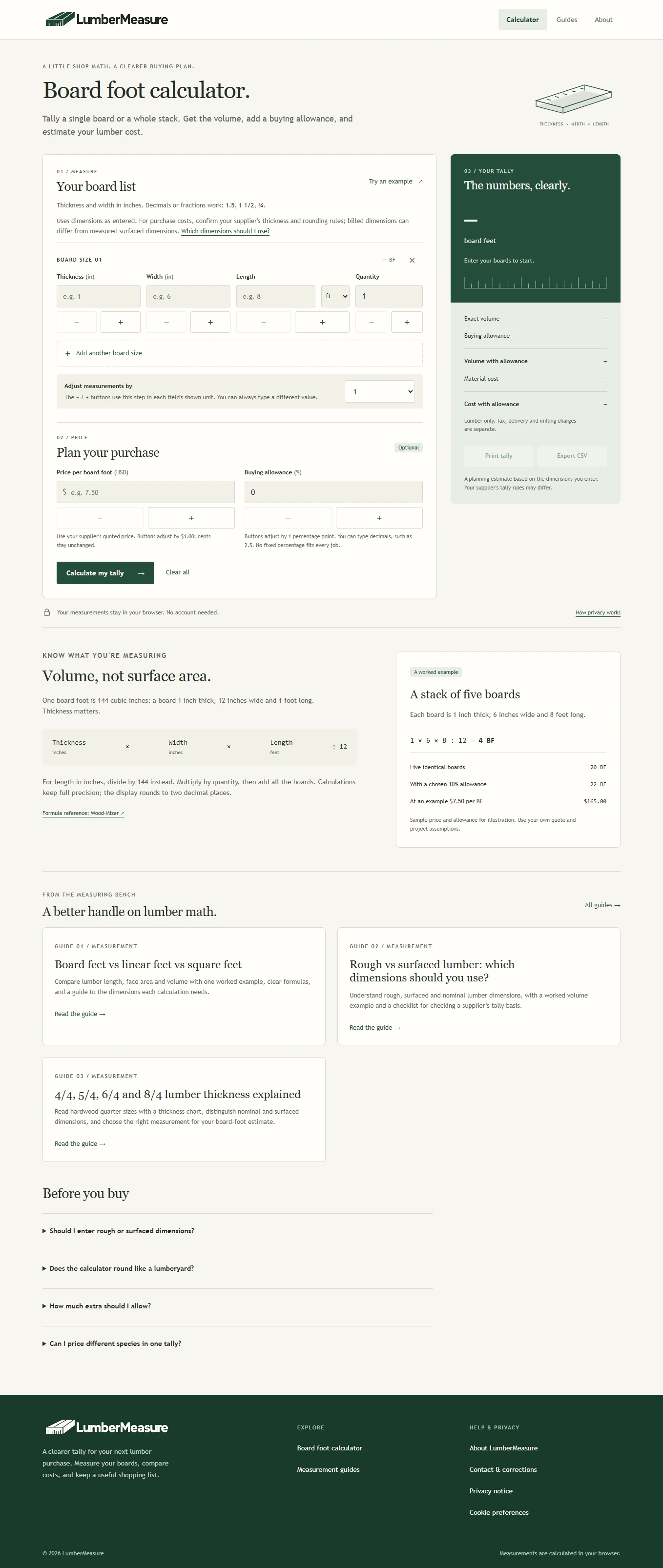
Have boards in different sizes? You have to add each size to the list, along with its thickness, width, length, and quantity. The calculator will calculate the board feet for each one and add them up for you.
Thickness and width use inches. For length, there is a choice of feet or inches. Measurements can be typed as decimals or fractions, or adjusted with the increase and decrease buttons after choosing a step size.
The text also explains the units. Board feet describe the volume of wood, linear feet describe its length, and square feet describe its area.
Estimating the lumber cost
Price is optional, so someone who only needs the volume can leave it empty. For a cost estimate, they enter the supplier's price per board foot in US dollars. The buying allowance lets them choose an extra percentage of wood to purchase.
With a price entered, the results show the measured volume and cost beside the totals that include the allowance. The list can then be downloaded as a CSV file.
An example from our review
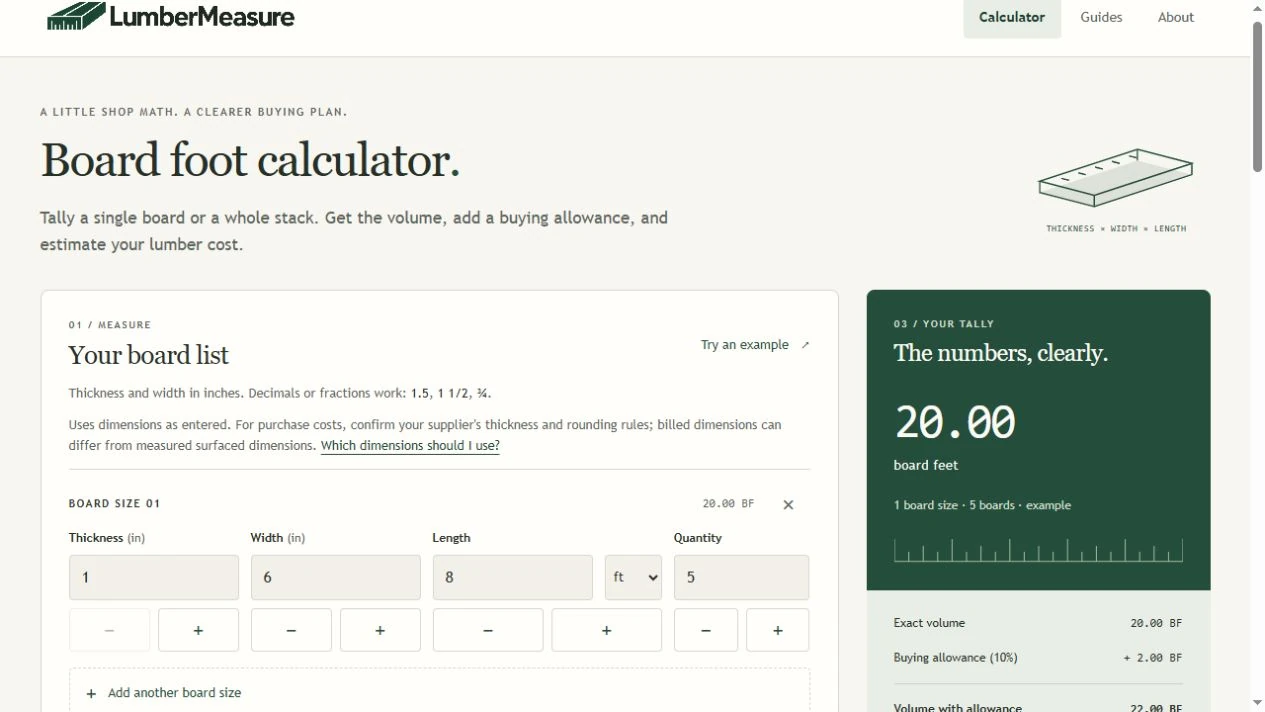
We tested the site's example with five boards, each 1 inch thick, 6 inches wide and 8 feet long:
1 × 6 × 8 ÷ 12 × 5 = 20 BF
With a chosen 10% buying allowance, the volume becomes 22 BF. At the example price of $7.50 per board foot, the boards cost $150.00. The cost with the allowance is $165.00.
These figures are examples. A supplier may use different measurements or rounding rules when preparing a bill. Tax, delivery and milling charges are separate from the wood cost shown.
What we checked
We checked adding and removing rows, changing measurements and clearing the list. After a change, the results need to be calculated again before they can be exported.
We also entered zero for thickness. The calculator showed an error and blocked CSV export. Export became available after the measurement was corrected and the results were calculated again.
All 11 checks on the live site passed. They covered fractions, the same lengths entered in feet and inches, different board sizes and decimal buying allowances. We also downloaded a CSV file and checked its rows and totals. The checks cover the examples we tested.
Supporting guides
We included guides to help people understand the measurements they enter. They explain board feet, linear feet and square feet, along with lumber prices. Other topics include quarter-size thickness labels and the difference between rough and surfaced wood measurements.
SEO and search results
We also did the SEO work and are tracking the site in Google Search Console. The site is still new, and we have not seen strong search results yet. We do not have verified traffic, ranking or business figures to include in this case study.
Talk to us about your calculator project
Show us an example of what you want users to enter and the results they should see. We’ll discuss how the calculation should work, what the page needs, and what it will take to build it before we get started.